What Should Stacked Images Look Like?
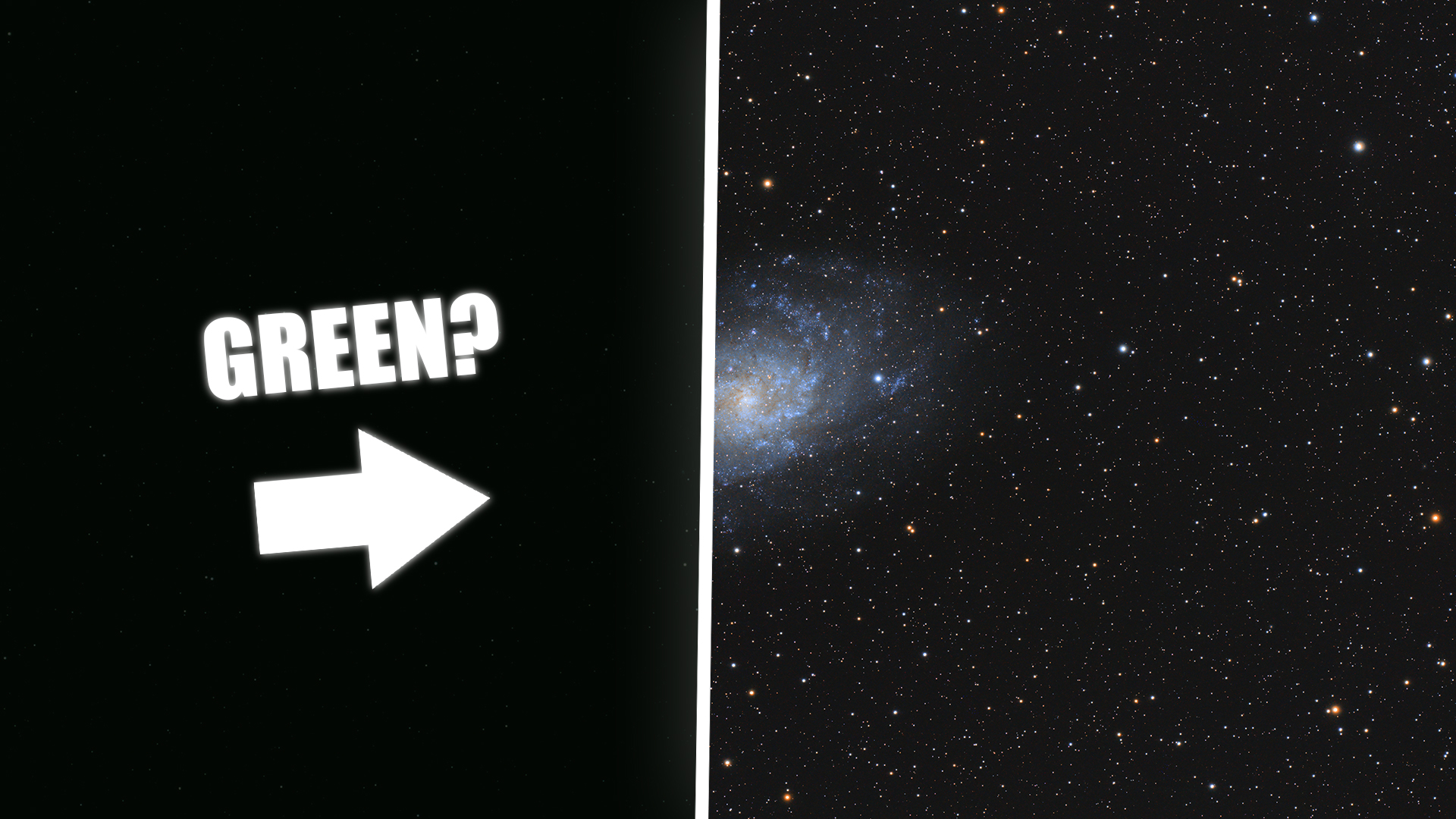
After stacking your astrophotography data into a FITS file, the result might look underwhelming: dim, flat, and possibly green. This is expected, and it's due to the image being in a linear state.
Linear vs. Stretched Images
Most processing software saves stacked images in linear format. This means:
- The brightness values are preserved exactly as captured by the sensor.
- No adjustments are made to enhance contrast or color balance.
- All the faint detail is compressed into the lower end of the histogram.
Linear images are optimized for data retention, not for display. They contain the full dynamic range from your exposures, which is important for scientific use or high-quality post-processing.
On the other hand, a stretched image has had a nonlinear transformation applied (typically a histogram stretch or curve), which redistributes pixel brightness to make faint structures visible on a standard screen.
Why It Looks Green
If you're using a one-shot color (OSC) camera, your sensor has a Bayer matrix with 2× as many green pixels as red or blue. After stacking, the green channel is usually dominant unless color calibration has been applied. Most stackers don't do this by default.
This is corrected later in the processing pipeline through proper white balance or photometric color calibration.
What to Check in the Stack
Although the image will look dim or unprocessed, you can still evaluate a few technical aspects:
- Star shape: Should be round, indicating good tracking and focus.
- Signal presence: Nebulae or galaxies should be faintly visible.
- Noise: Should be reduced compared to a single sub.
- Histogram: Should show most values away from clipping (especially black point).
When to Stretch
You should only stretch the image after performing critical preprocessing steps like:
- Background extraction
- Color calibration
- Noise reduction (if working in linear space)
Once you're done with those, a non-linear stretch brings out detail and color, and makes the image suitable for final adjustments.
Summary
- Stacked FITS files are linear by default.
- Linear images will appear dark, flat, and often green.
- This format preserves dynamic range and is meant for further processing.
- Stretching transforms it into a viewable, high-contrast image.
- Don't judge quality based on initial appearance: evaluate data integrity, not aesthetics.